How to set up MFA for WireGuard connections
Require a code for one user, then test access from their device
1. Require MFA for one user
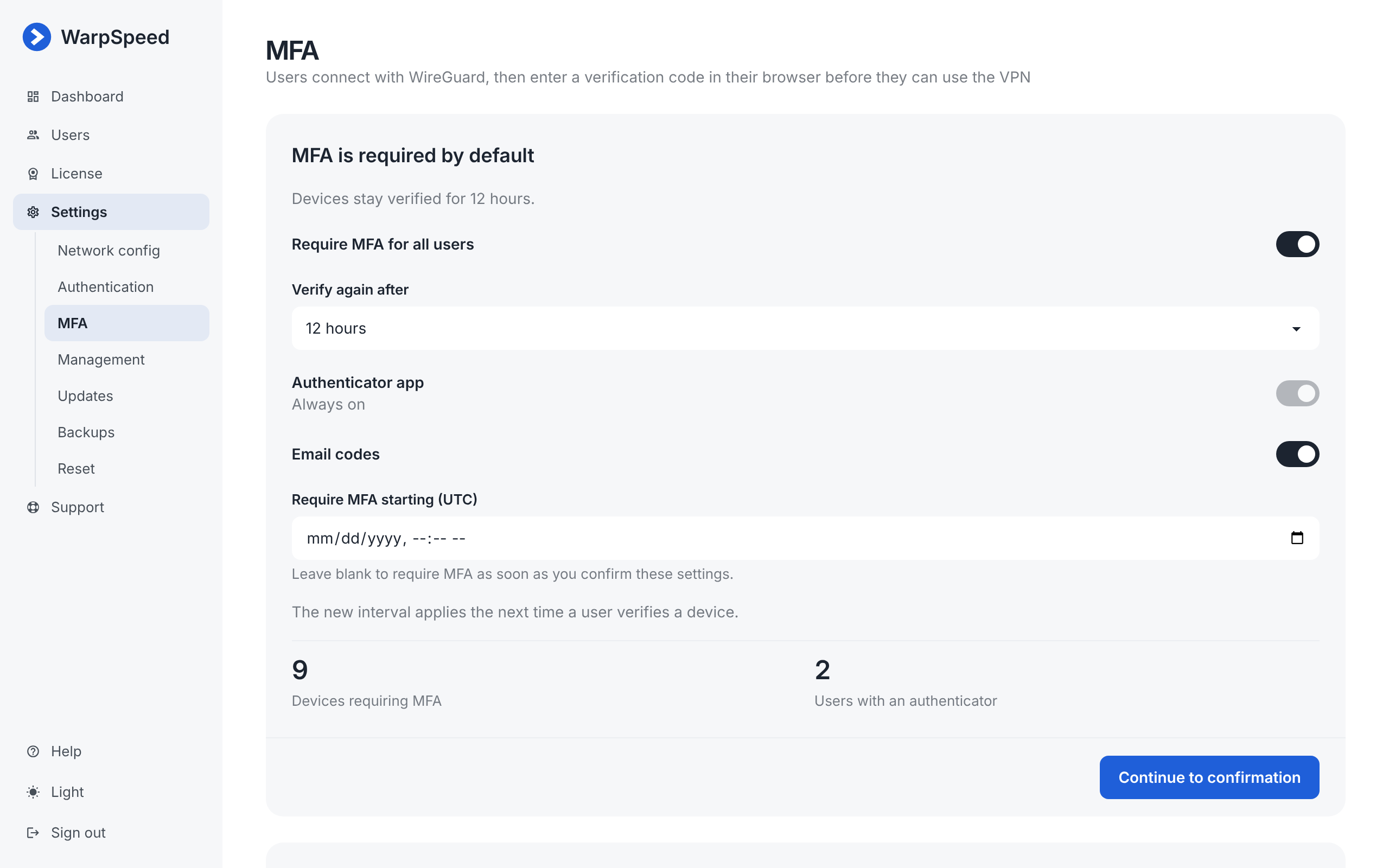
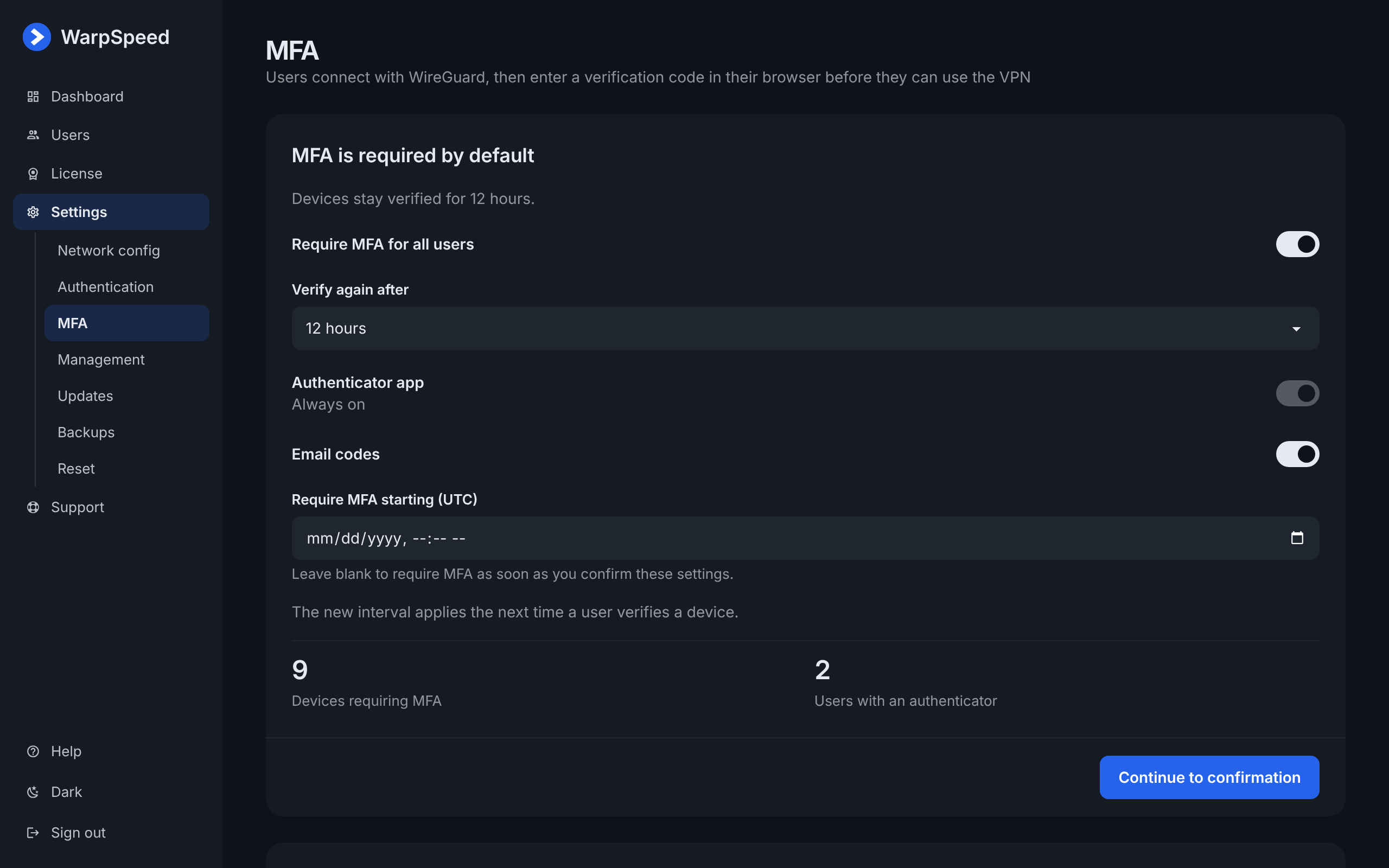
On WarpSpeed Server 2.6.7 or later, open Settings → MFA. MFA is off by default.
- Under Users and devices, search for the user’s email.
- Select Require MFA beside their name and choose Save.
Require MFA for the whole team
Choose Set up MFA and turn on Require MFA for all users. Choose a verification interval, then select Continue to confirmation to check the affected user and device counts. Choose Enable MFA, or set a future UTC start time and choose Schedule MFA.
For unattended equipment, review the device policy before enabling MFA for everyone.
2. Connect and enter a code
- On the device you want to connect, switch on its profile in the official WireGuard app.
- Open the verification link from the device’s setup guide. When email codes are enabled, WarpSpeed can also send the link and a six-digit code after detecting a connection attempt.
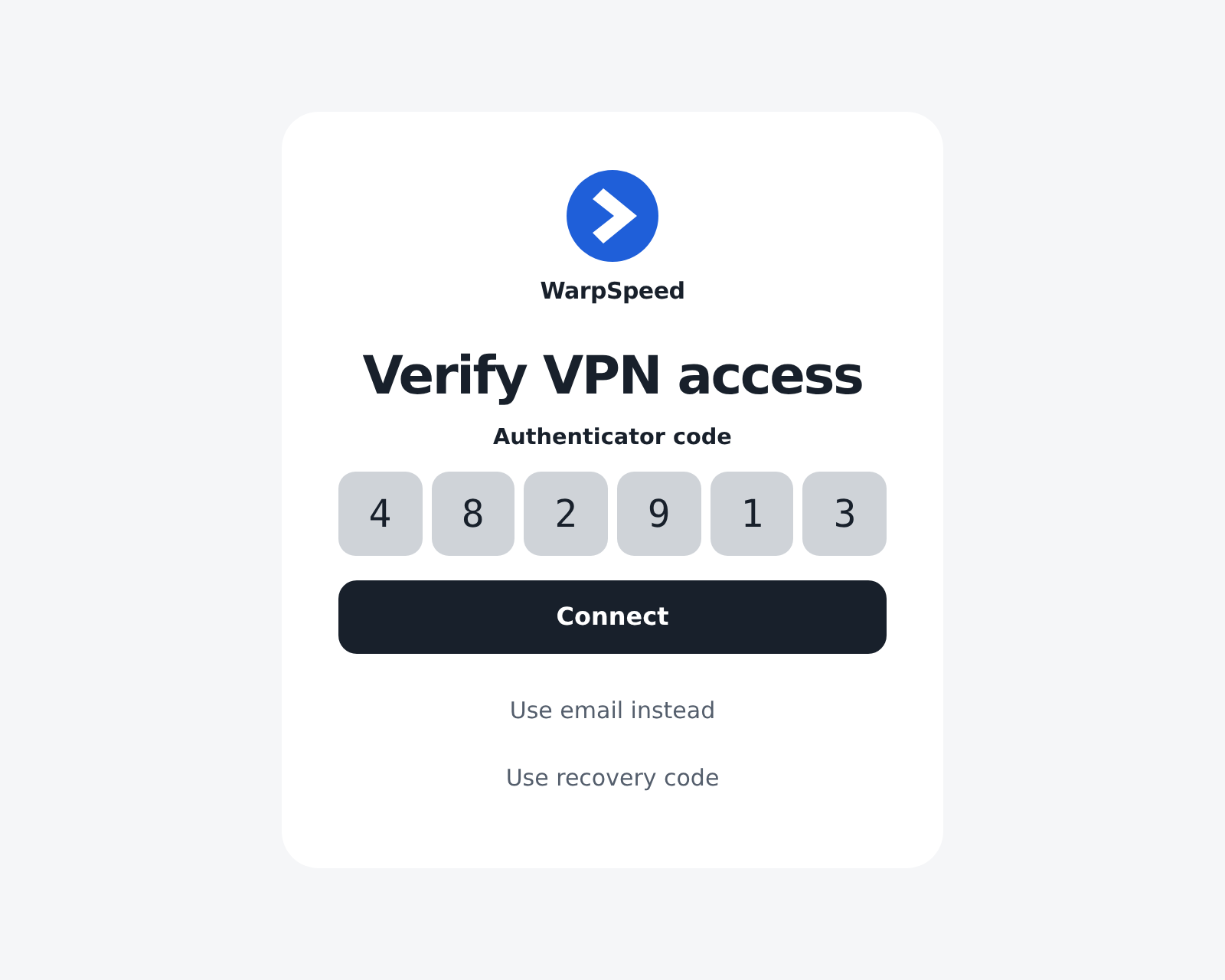
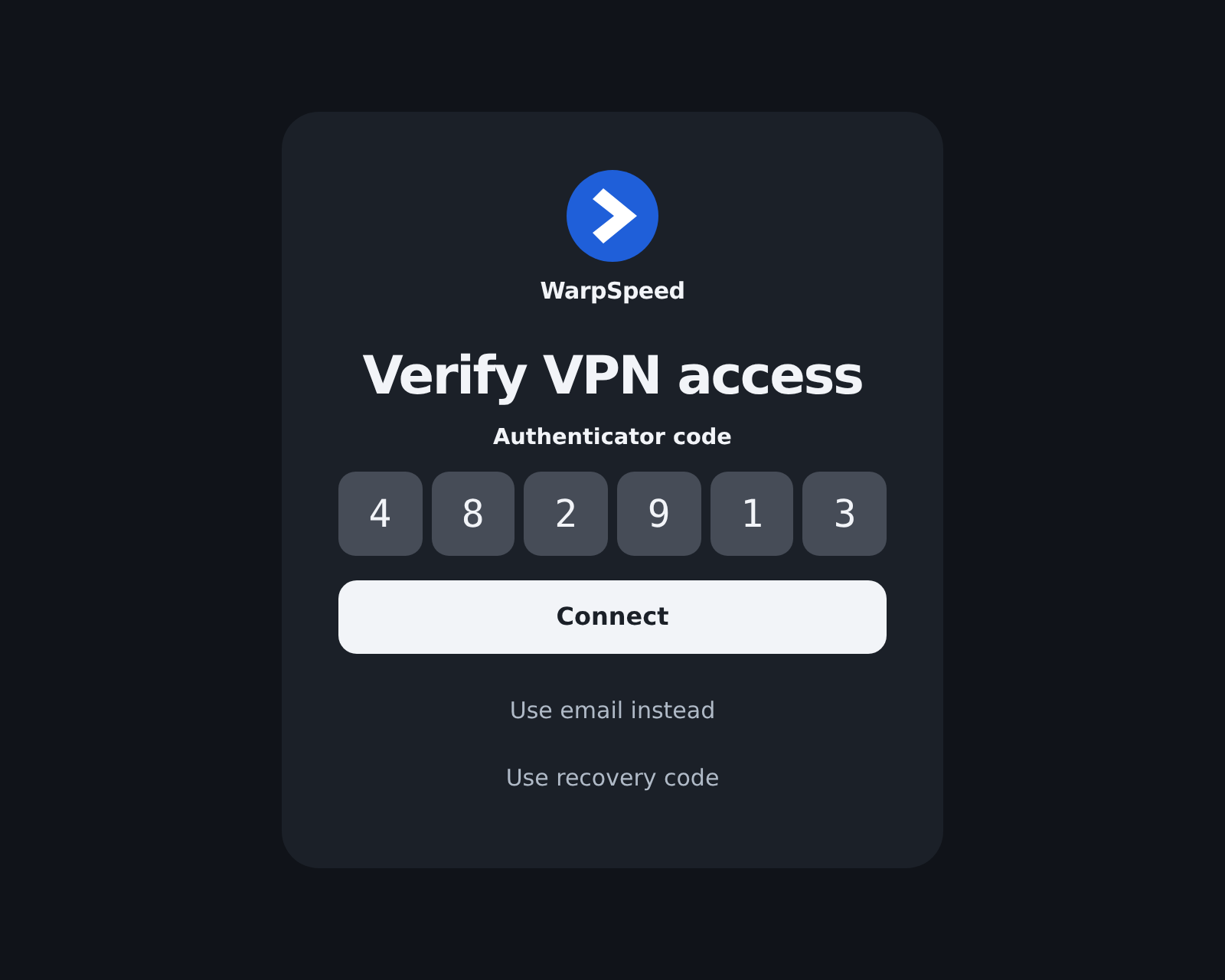
- Enter the code on the connected device and select Connect. Open a private service to check access.
Use an authenticator app
In your WarpSpeed account, open VPN access → Set up authenticator. Scan the QR code, enter the current code, and save the recovery codes. At the verification screen, choose the authenticator option.
3. Check when access expires
The confirmation screen shows the expiry time. After 12 hours by default, WireGuard can still show a connected tunnel, but reaching a private service requires a fresh code. To test this now, choose Disconnect VPN access and verify again.
Troubleshooting
The verification page did not open
Open the setup guide’s verification link directly on the device. HTTPS browsing may not trigger a redirect. For a custom split tunnel, include the VPN gateway in the profile’s routes.
The email code expired
Email codes last ten minutes. Open the expired email link on the device running WireGuard and check your inbox for the new code.
I cannot reach my inbox
A full tunnel can block email until you verify. Read the email on another device or use an enrolled authenticator offline.