A tour of WarpSpeed
The control panel that runs on your own server, from the first device to the whole team.
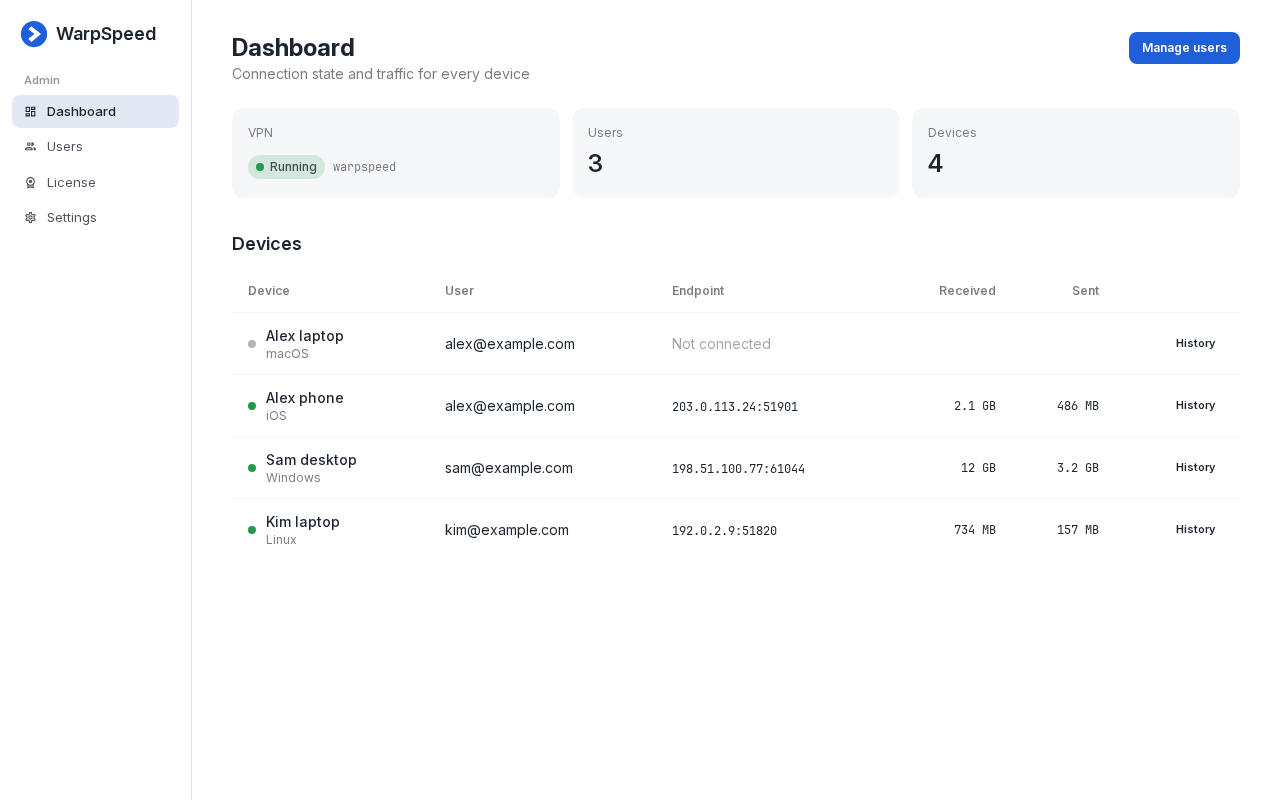
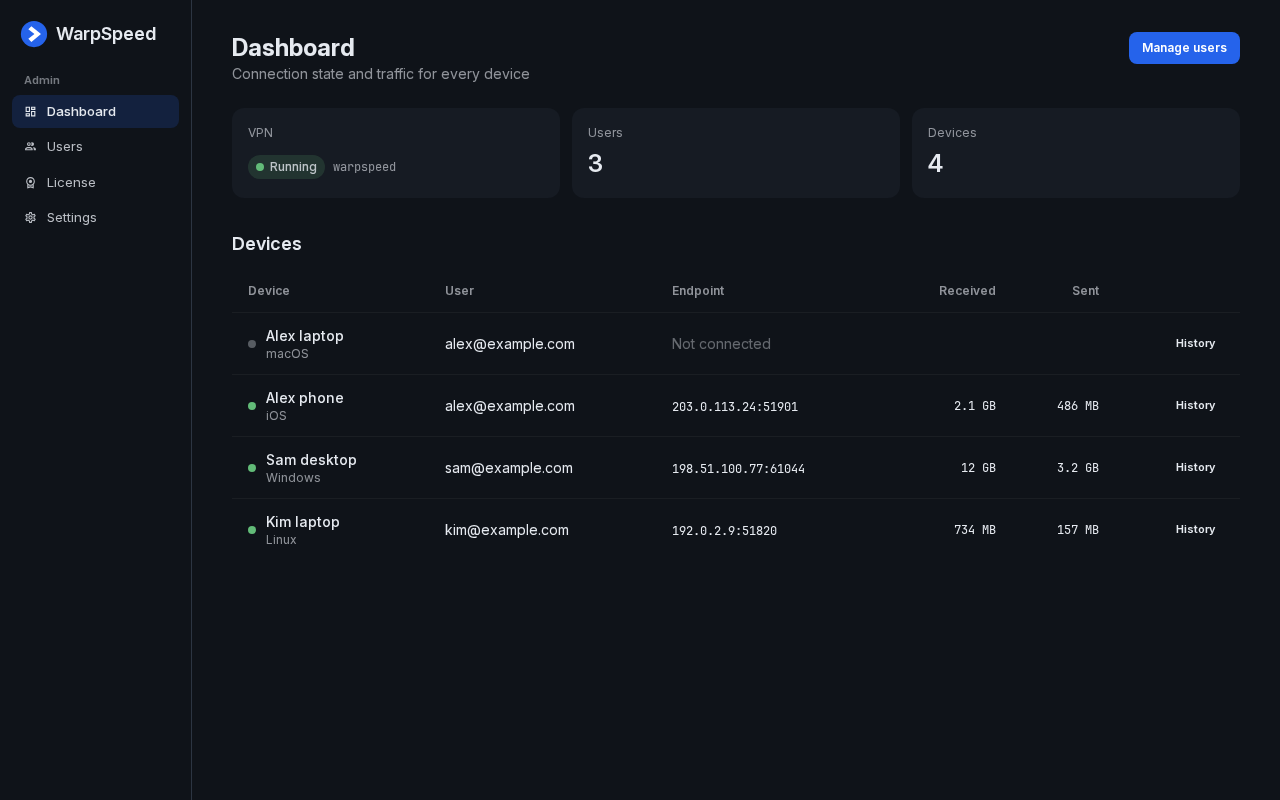
Every device at a glance
See who is connected, from where, and how much each device sends and receives.
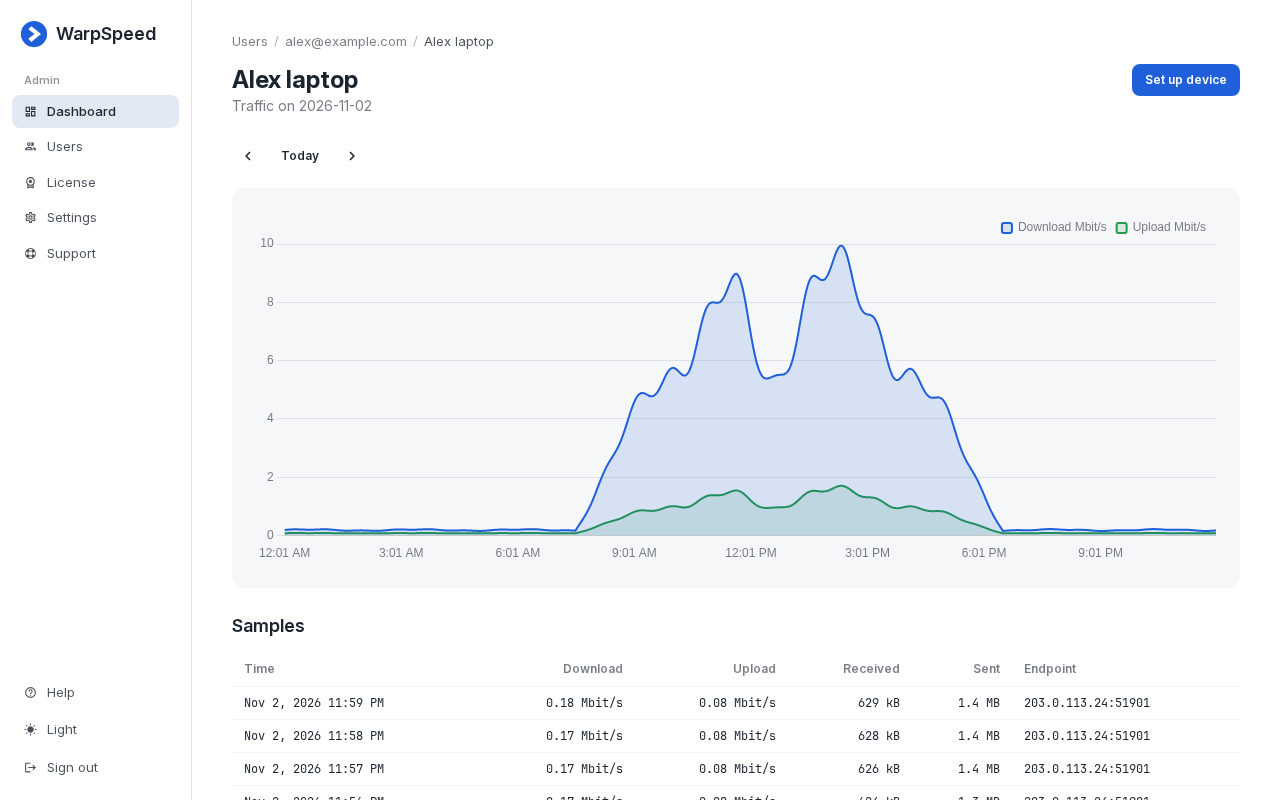
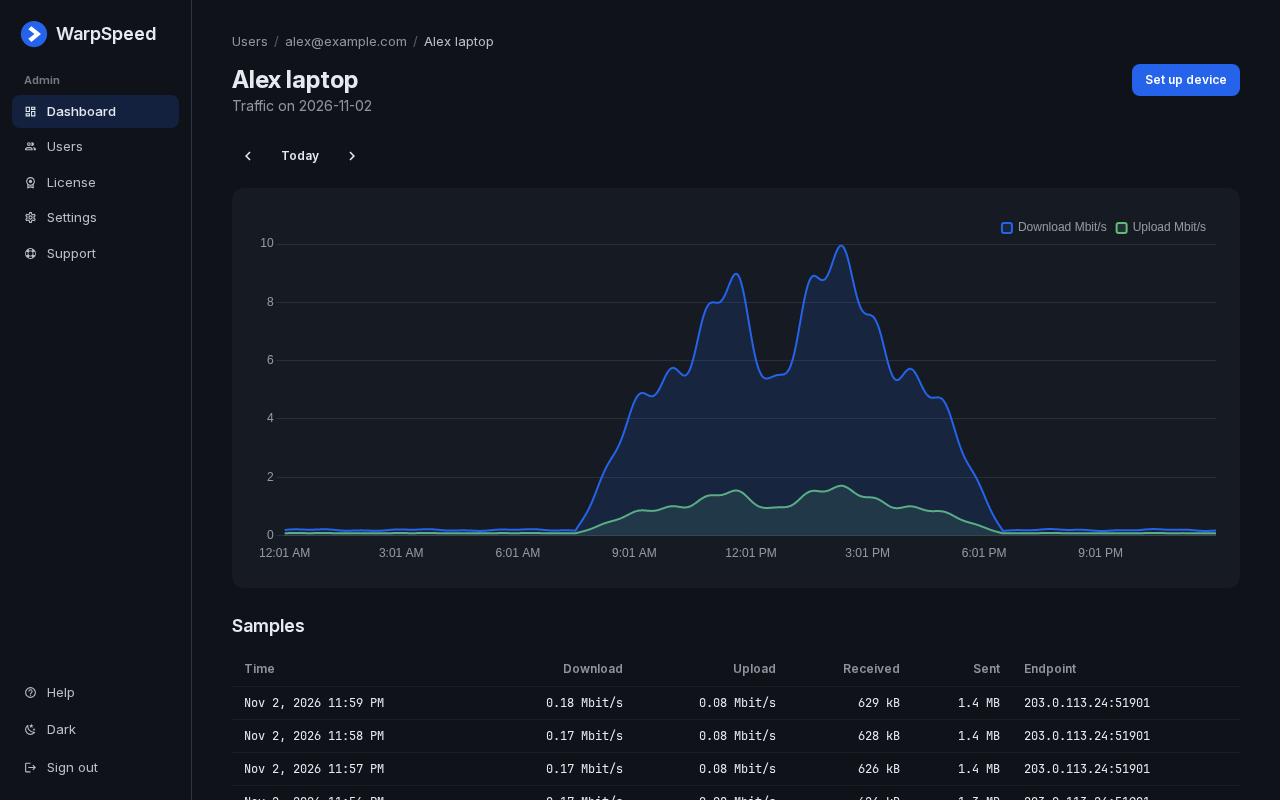
Traffic, minute by minute
Open any device for a day of its traffic, with every sample kept on your server.
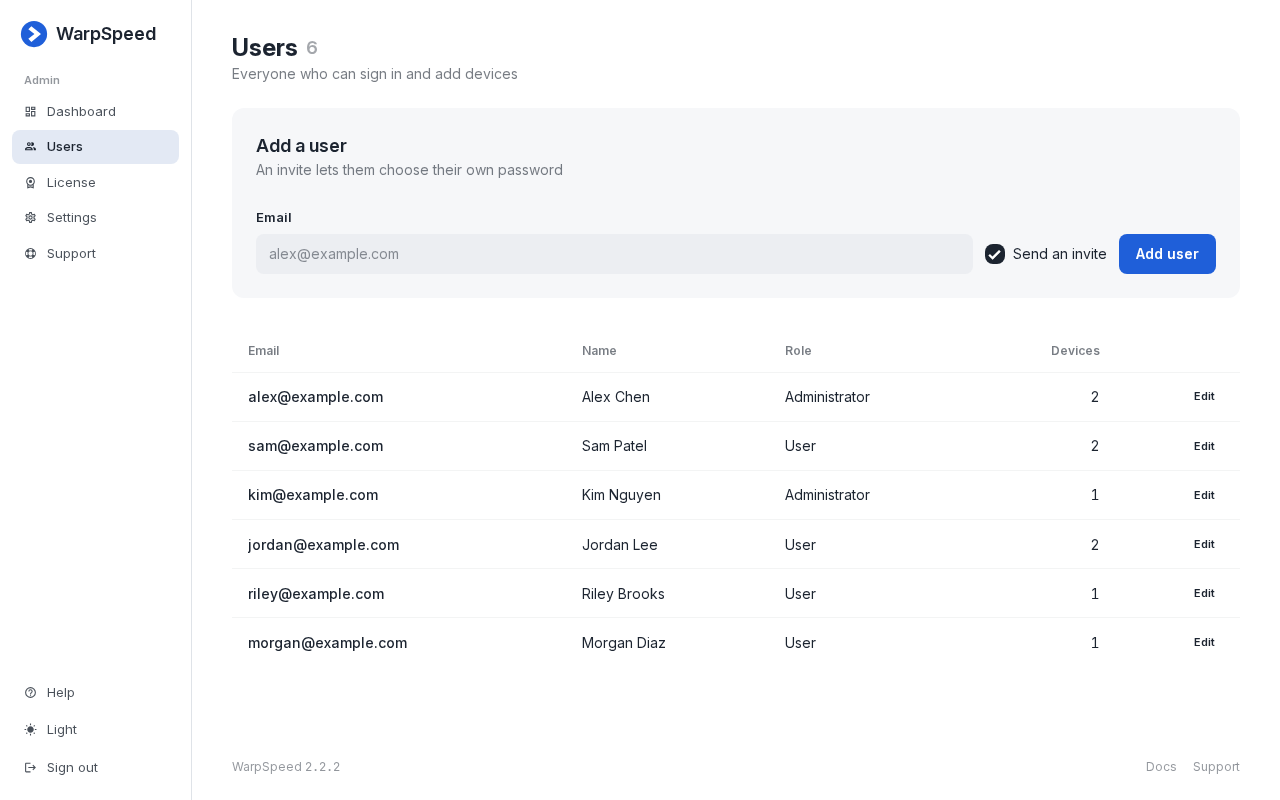
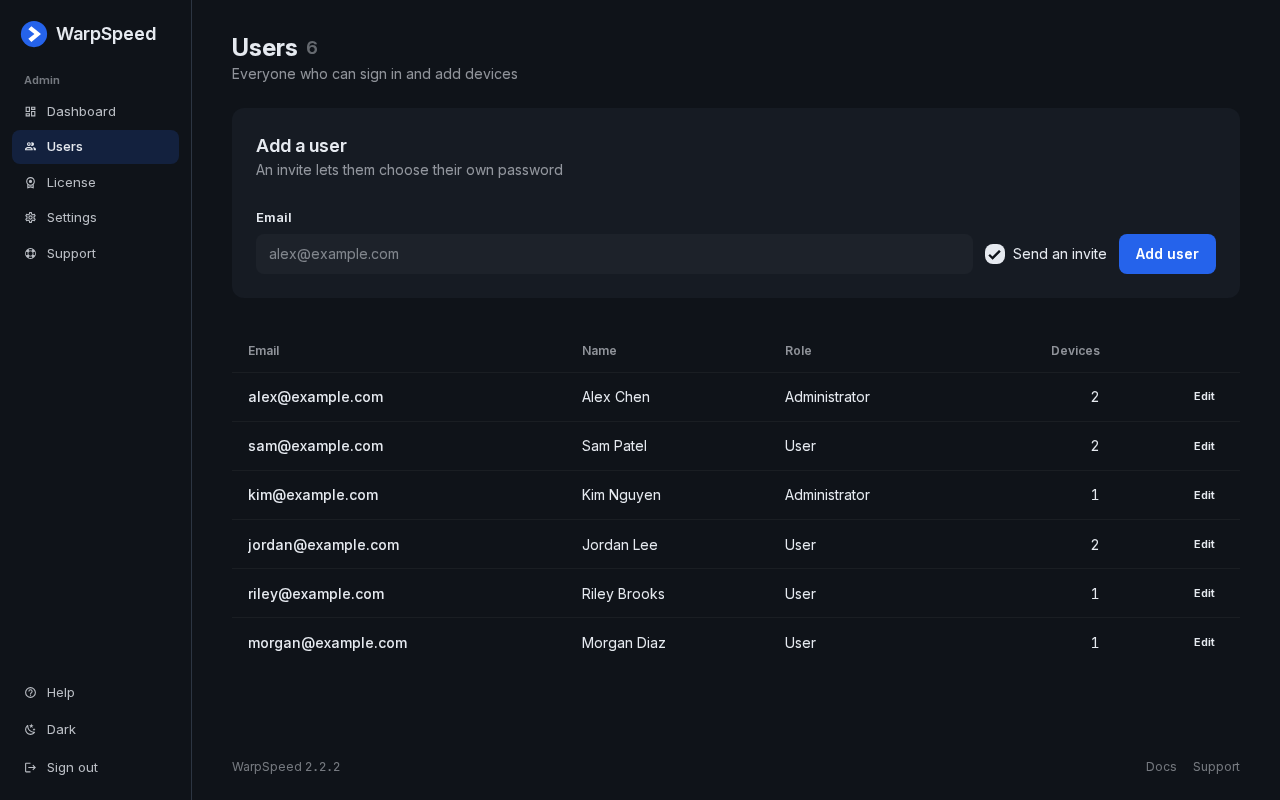
Your whole team
Invite people by email, make some of them administrators, and let everyone add their own devices.
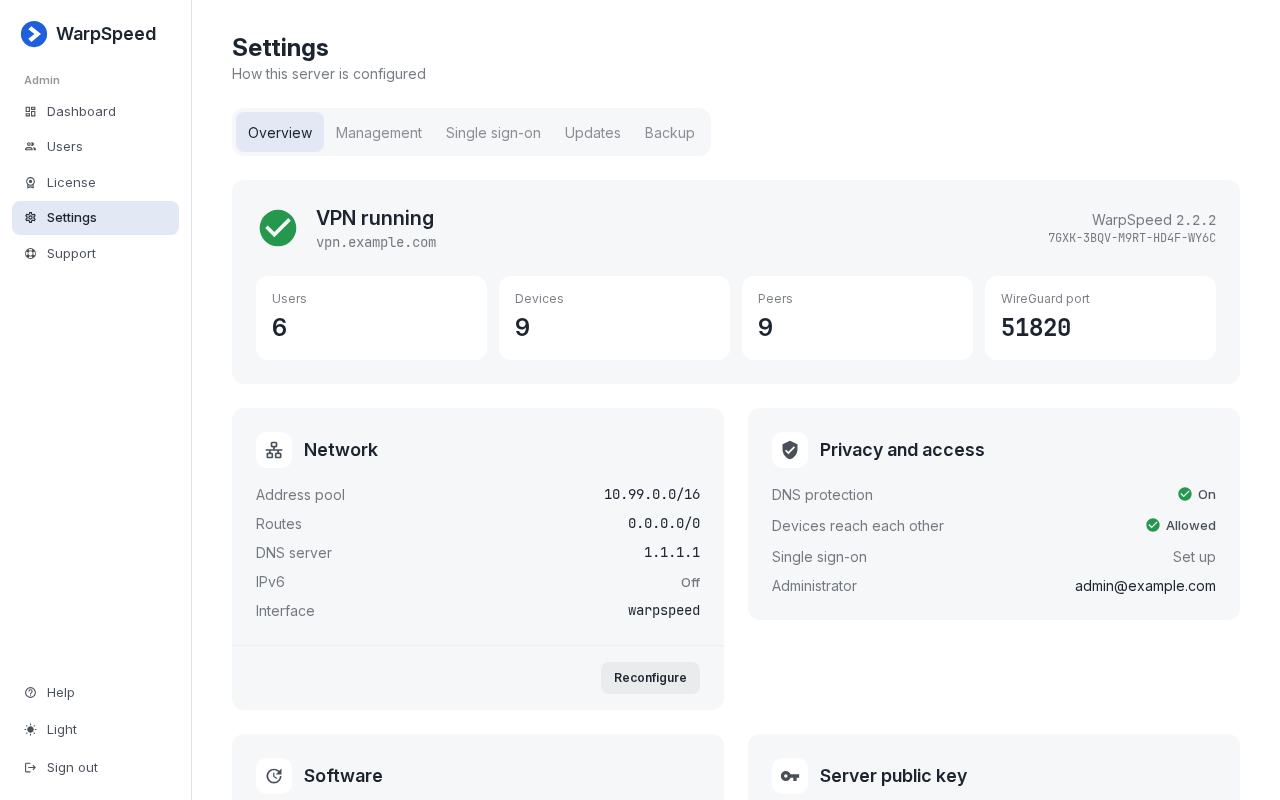
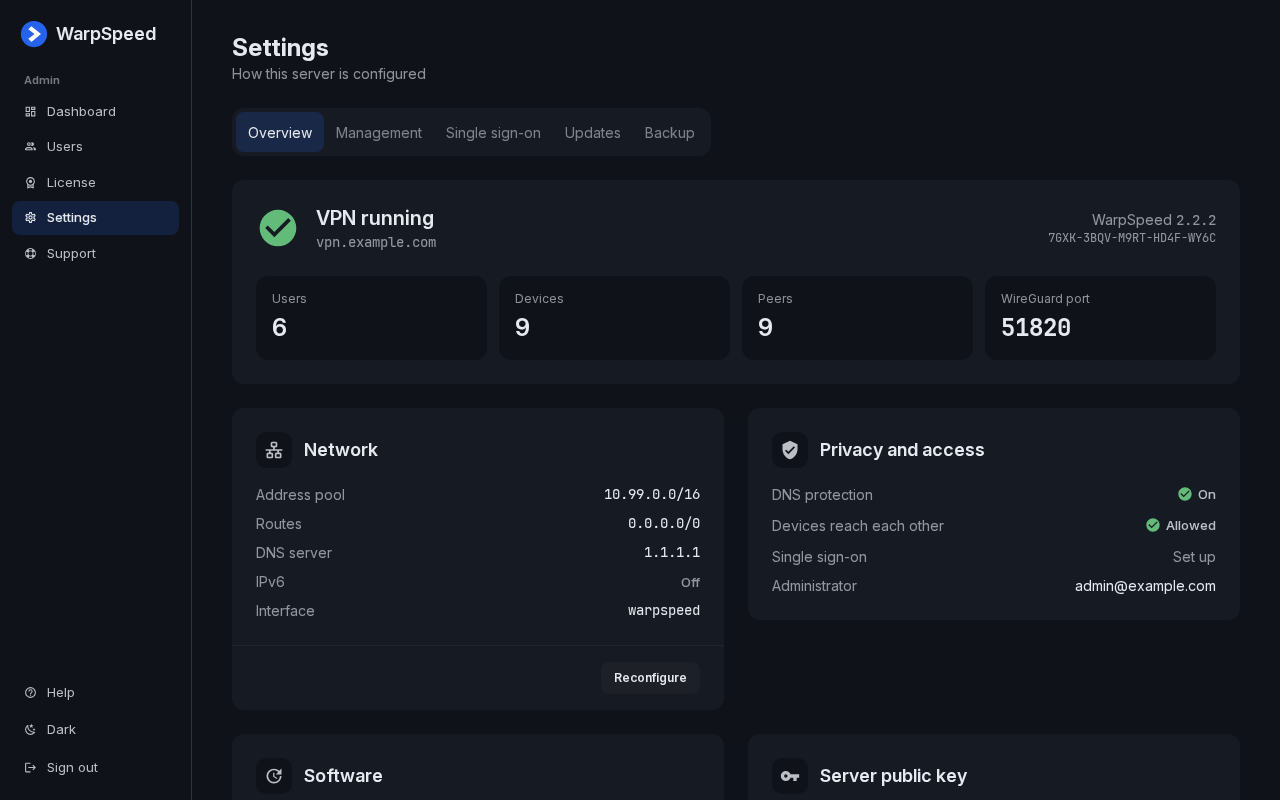
Your network, your rules
Routes, DNS protection, and whether devices can reach each other, all in one place.
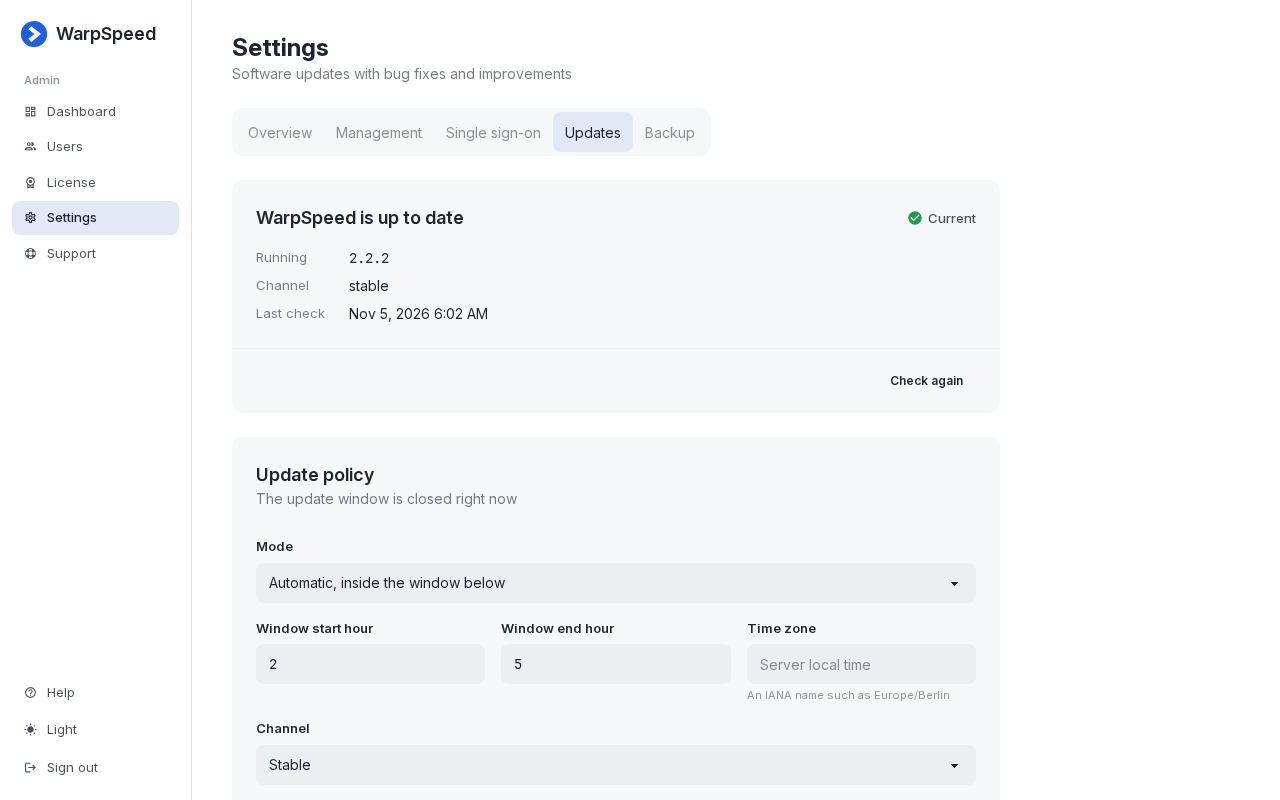
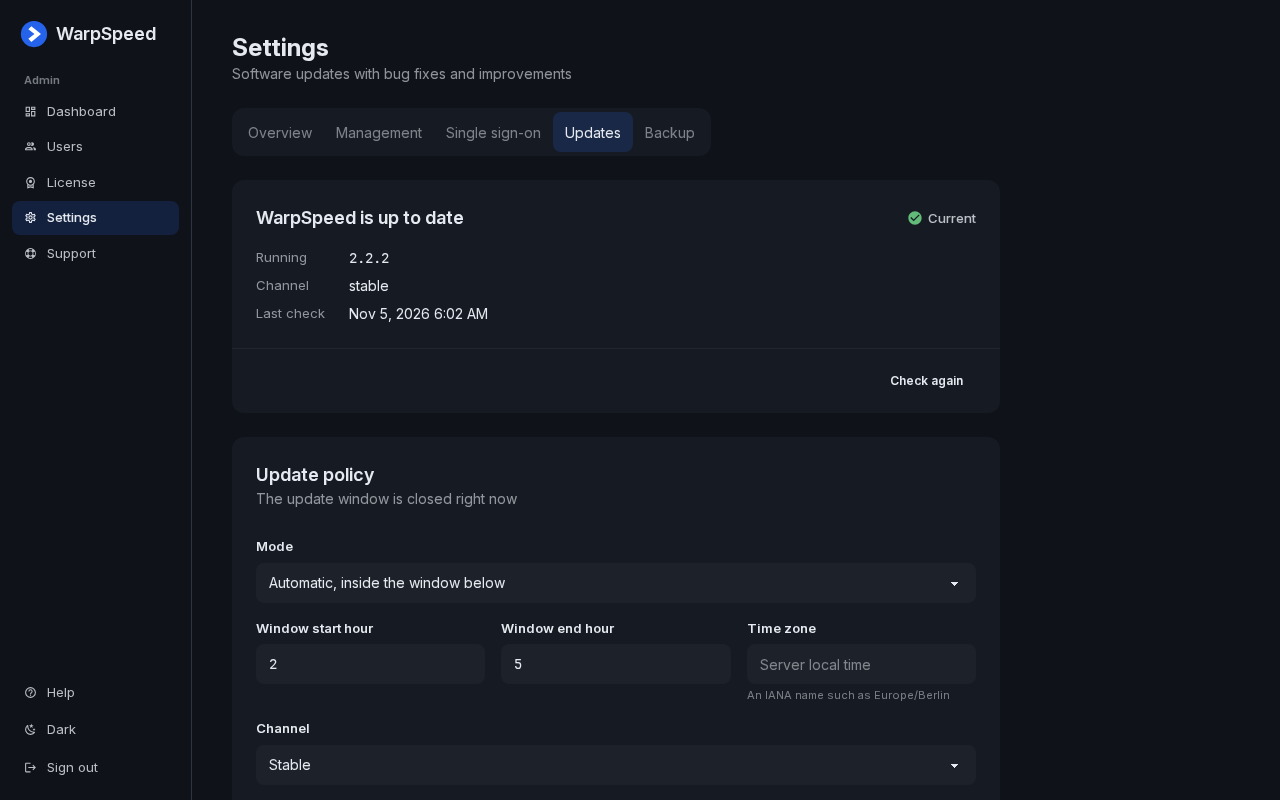
Keeps itself current
Updates install in the window you choose and roll back on their own if anything goes wrong.
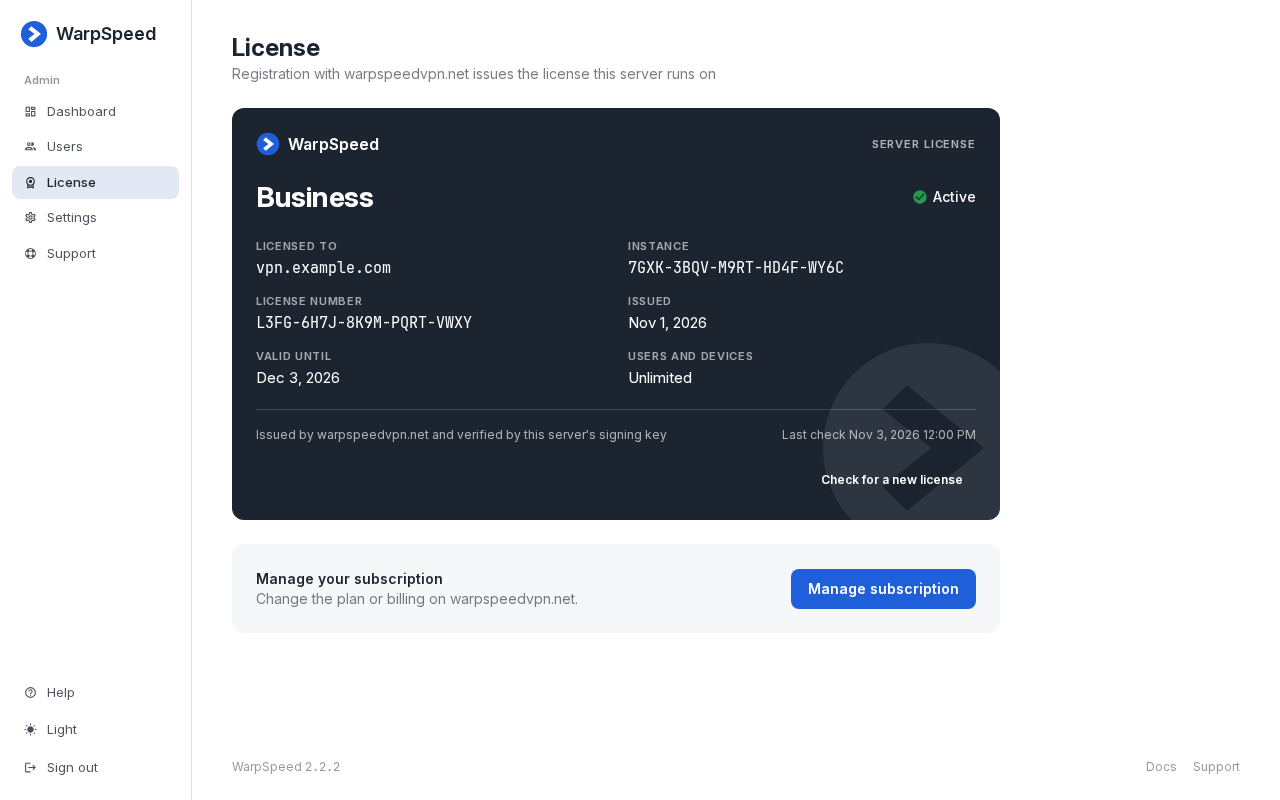
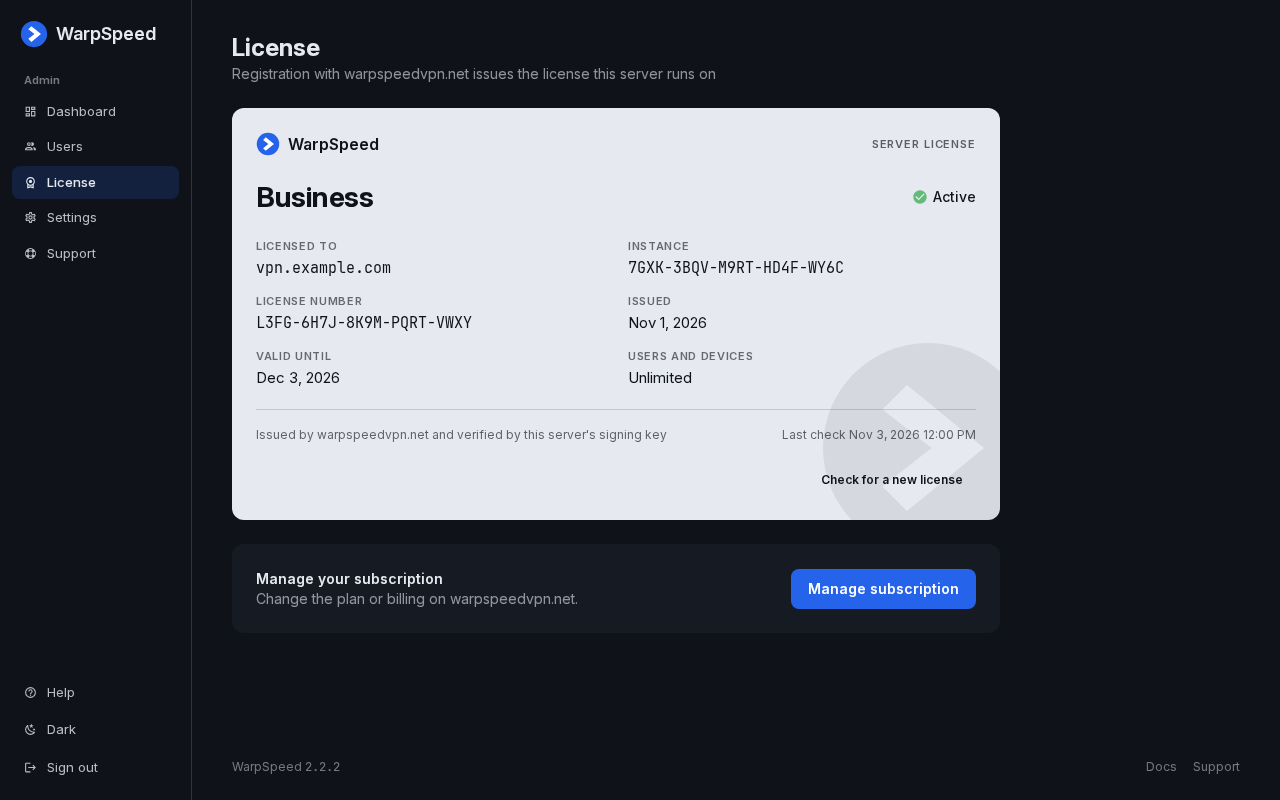
One license per server
Business covers unlimited users and devices for one flat price, renewed automatically.
Try it on your own server
One command installs WarpSpeed on any Linux server with a public IP.
curl -fsSL https://warpspeedvpn.net/install.sh | sudo bash